Not on Mac or Windows? Don't need to record your camera? Use our lightweightChrome extension.
FAQs.Commonquestions.
The Supercut native recorders are available for macOS 14+ and Windows 10+. For other platforms, you can use our lightweight Chrome extension (screen only).
Native apps have direct access to your system's hardware, resulting in smoother recordings, lower CPU usage, and better battery life. Unlike browser-based recorders, native apps can record at higher frame rates and maintain consistent quality even during long sessions. They also work offline and start instantly without browser overhead.
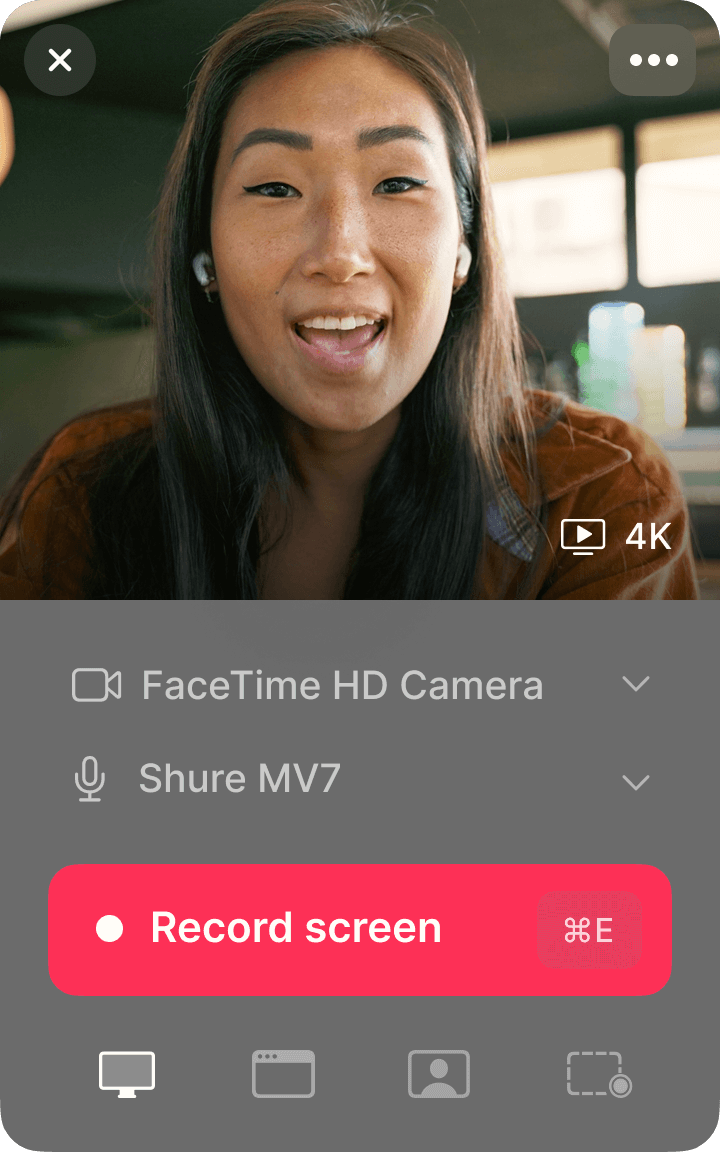
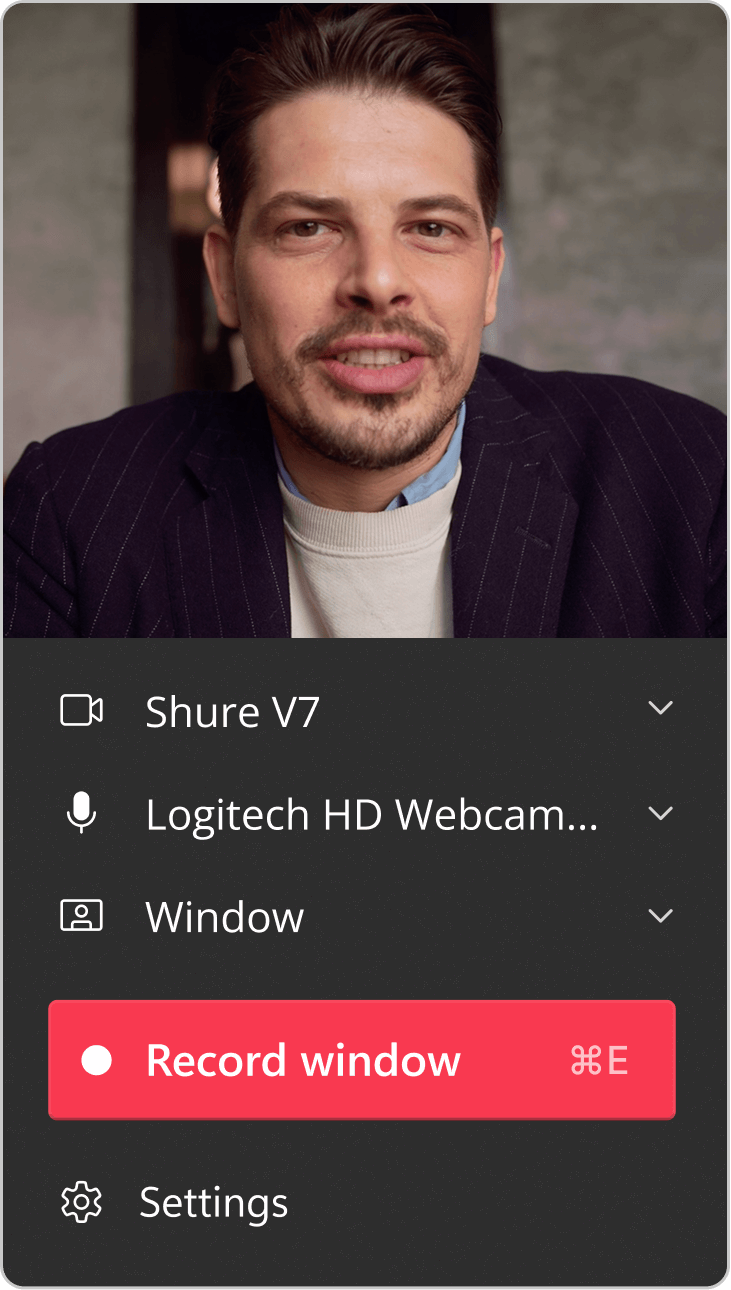
The native app can record your screen, camera, microphone simultaneously. You can apply multiple layouts for your camera and screen, even after recording. The Chrome extension is limited to screen and microphone only.
The native app offers higher quality recording, better performance, and additional features like offline recording. The Chrome extension is a lightweight alternative for quick recordings that do not require your camera to be recorded, or if you are not a Mac or Windows user.
The native recorders support up to 4K resolution recording, capturing your screen in crystal-clear quality. The Chrome extension supports up to 1080p resolution recording.
You can try Supercut free for 14 days with full access to Pro features. After the trial, you'll be required to upgrade to continue sharing your recordings. Learn more on our pricing page.
Download the .dmg file, open it, and drag Supercut to your Applications folder. On first launch, grant the necessary permissions for screen and audio recording.
Click the Windows download button to open the Microsoft Store page, then click Install. On first launch, grant the necessary permissions for screen and audio recording.
Still have questions?
Record natively. Share instantly.
Download for macOS or Windows and try every Pro feature free for 14 days—record in 4K, auto-edit with AI, and share instantly.